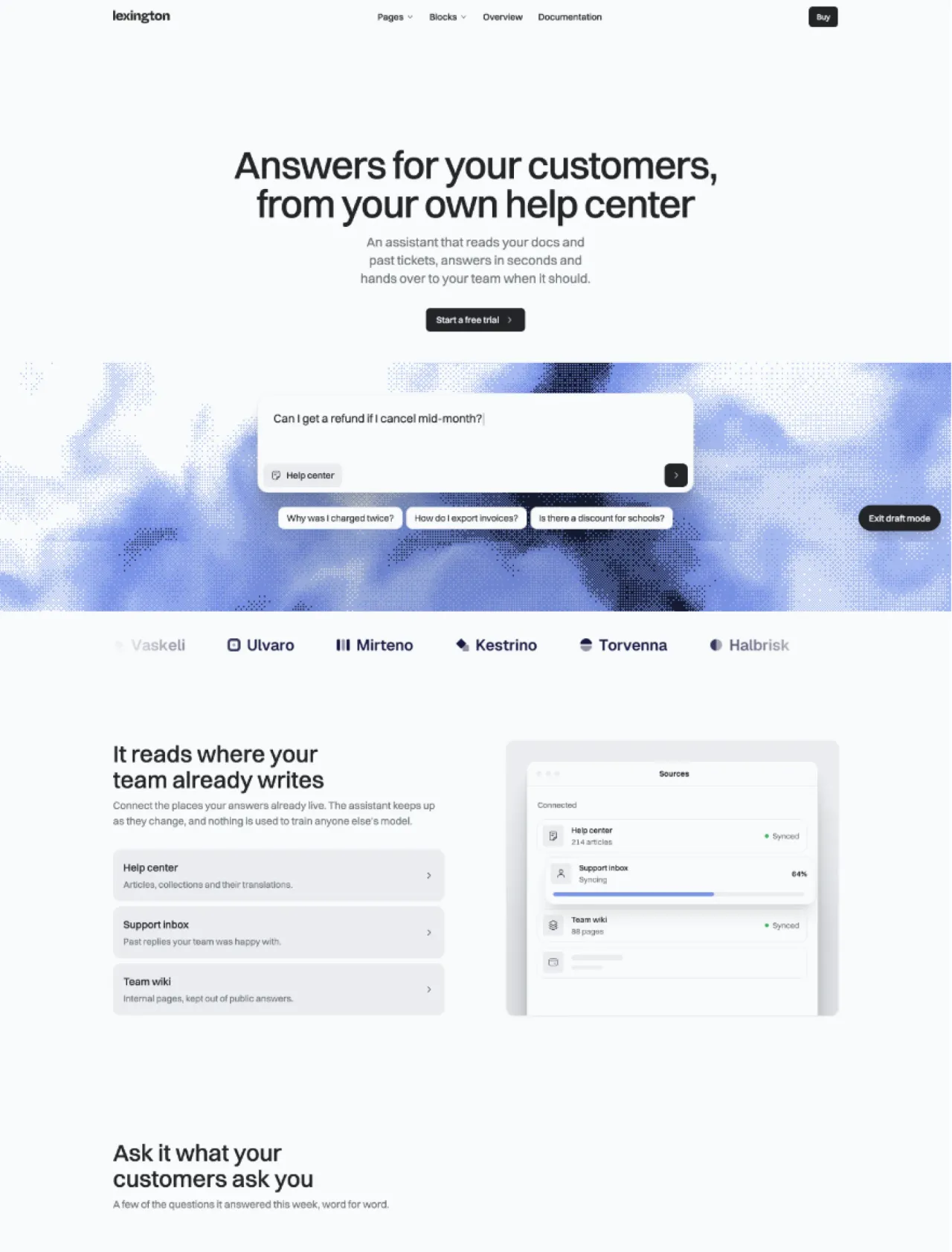
The Sanity starter you'd otherwise have to build yourself
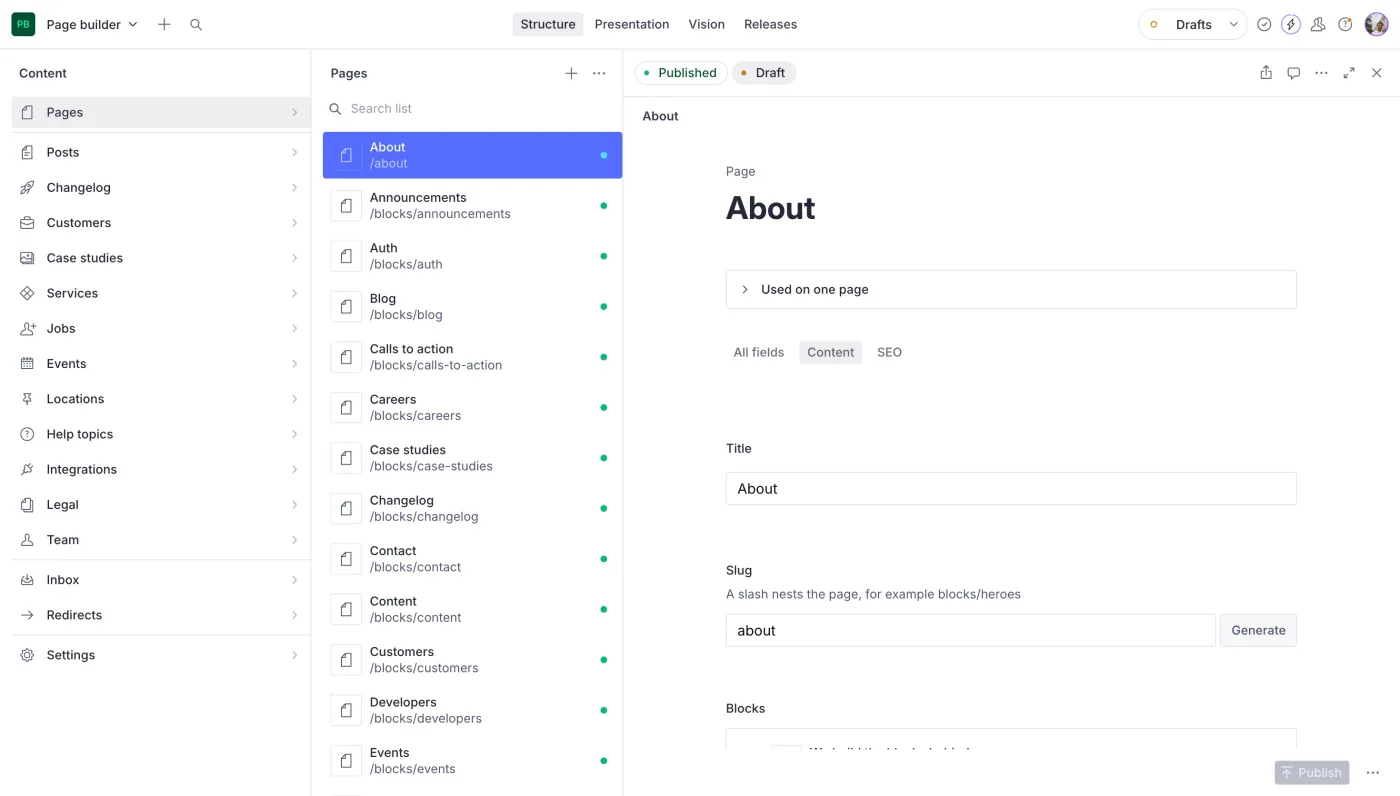
Every Sanity project begins the same way: a page builder schema, previews, draft mode, a Studio editors can navigate, forms, SEO and redirects. The Page Builder comes with all of that already connected and filled with content, so the first days of a project go to the client's site and not the setup.
Reasons to use the Sanity Page Builder
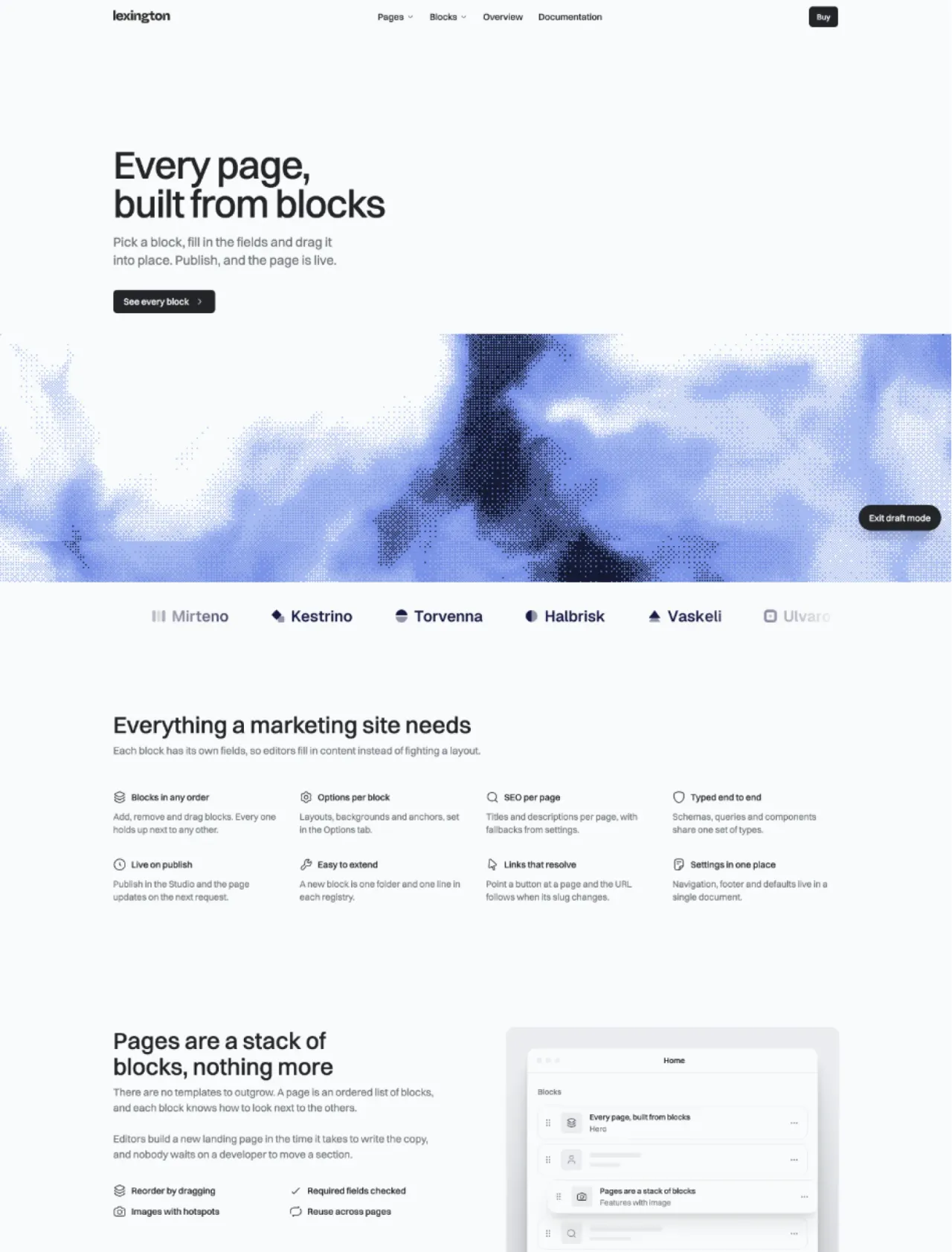
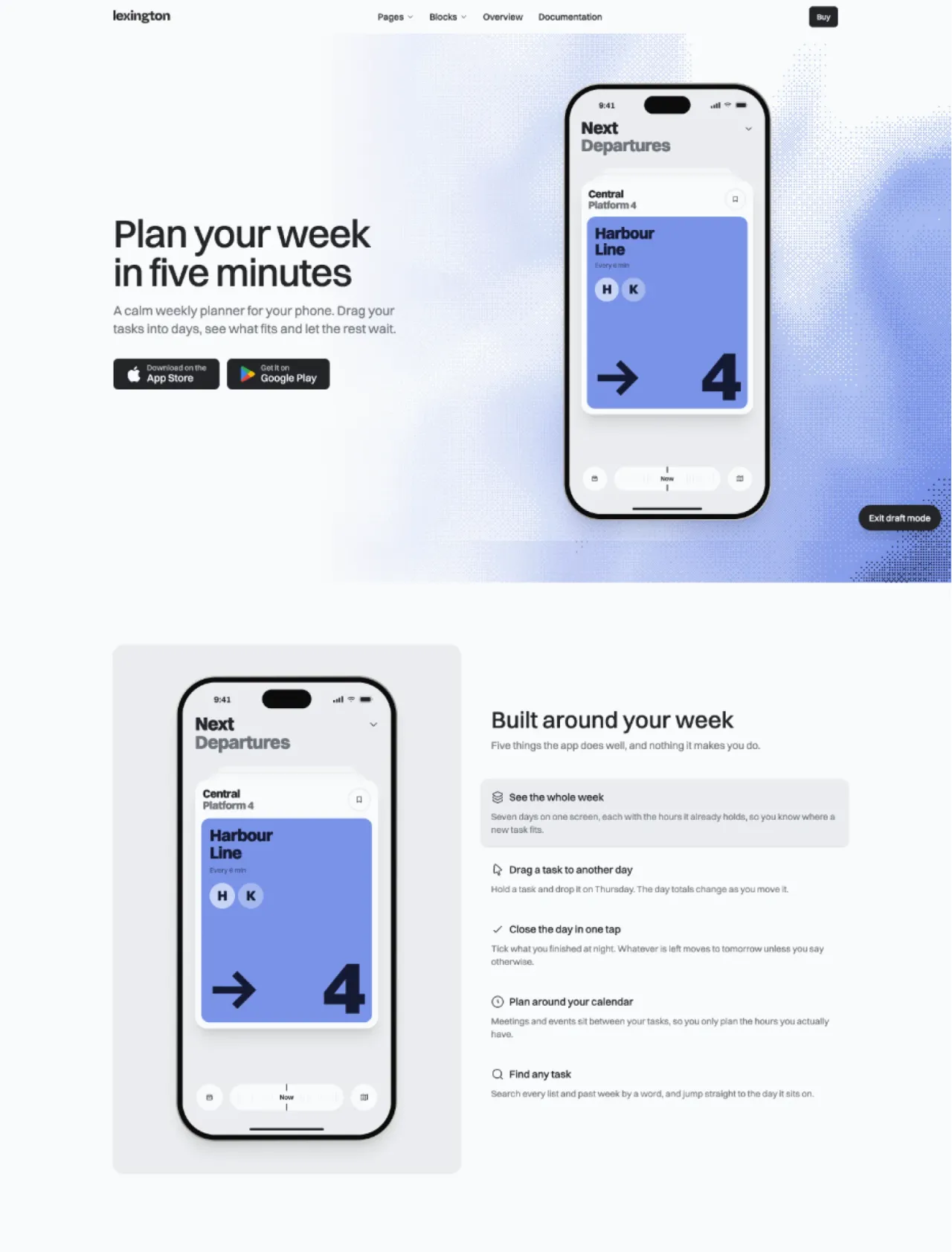
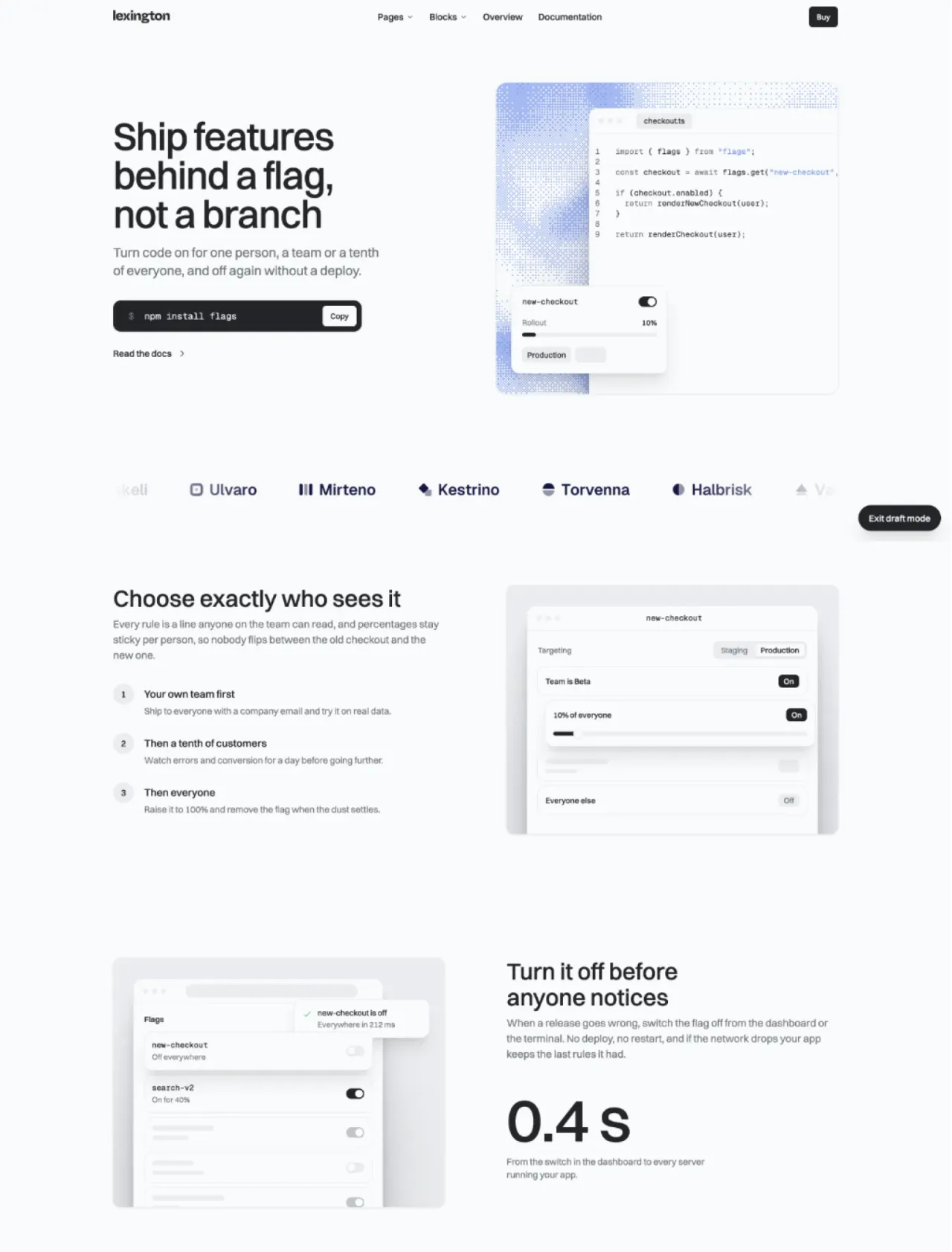
- 91 blocks in 178 layouts, each with its schema, GROQ query and Astro component next to each other
- 12 collections such as blog, changelog, case studies and careers, with three detail layouts each
- Visual editing: click any block on the page to edit it and see changes live in the Presentation tool
- Live on publish, without rebuilds or outdated pages
- A form inbox in Studio, CV uploads and emails through Resend, so every submission ends up somewhere useful
- One command removes the collections a project doesn't need, including the schema, routes and seed data
- Redirects, an XML sitemap and SEO for each page, all handled in Studio
Built for editors
Editors build pages with a searchable block picker, switch blocks between light and dark, and change brand colours or turn off the shader in Settings, without a deploy. They can also edit the logo, navigation and footer, so small changes never need a developer.
Built for agents
The repo includes AGENTS.md, agent skills and the Sanity MCP server, so Cursor, Claude Code or Codex add blocks that follow the existing patterns instead of making up new ones.
What's included
- Astro, Tailwind CSS v4 and Sanity in a pnpm monorepo, fully typed with Sanity TypeGen
- A seed script that loads all 62 demo pages into Studio
- A neutral design set in Switzer that works for any brand
- Unlimited client sites, plus updates and support for life
One-time license: pay once and build all your client sites on it
Pay once, get every update and begin each Sanity project from a finished site.